
Beginner's guide
Your first complaint in 6 steps
No tech skills needed. Follow the pictures, from "my internet keeps dropping" to a complaint your provider can't ignore.
To prove your internet keeps dropping, install Internet Monitor, leave it running, and send your provider the report and evidence file it builds from its own measurements.
-
Download and open it
Press the big button on the download page, then double-click the file.
-
Find the small icon
Look next to the clock, click the icon and choose Open dashboard.
-
Leave it running
Keep your computer on. The app checks your internet all day and writes down every drop.


-
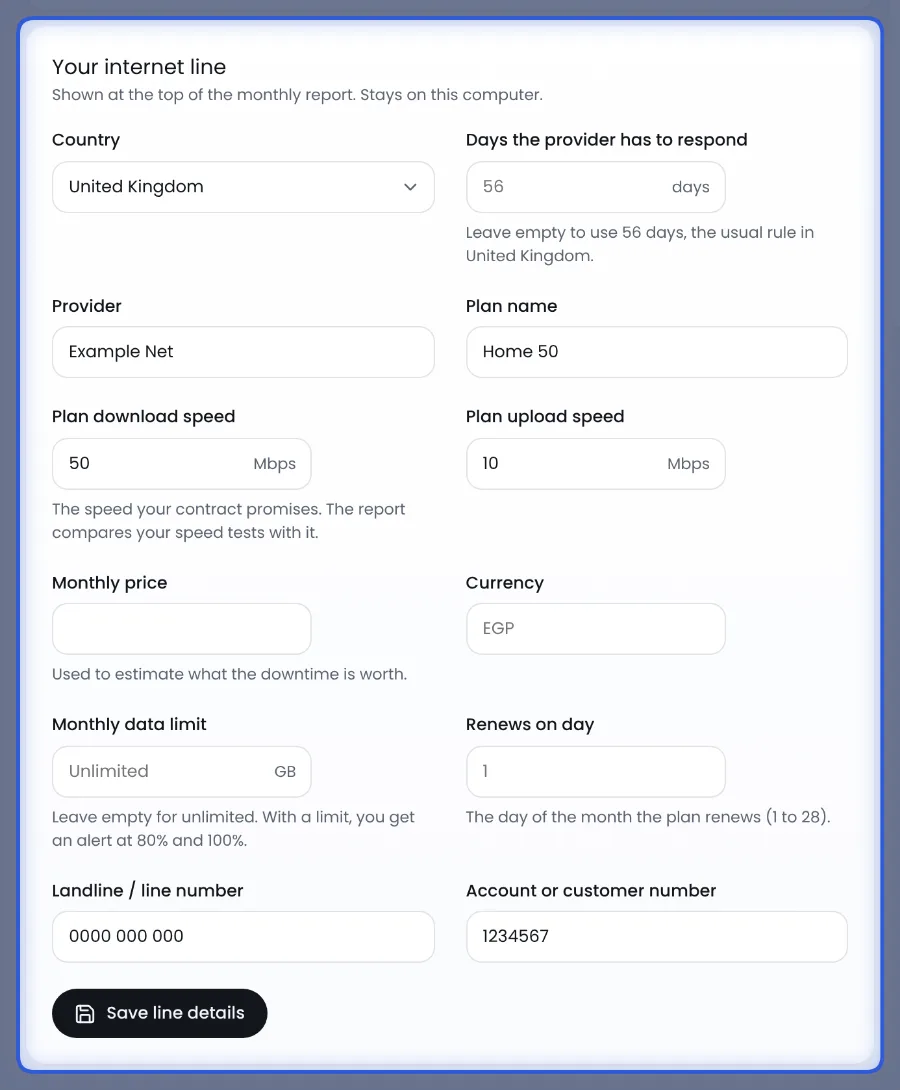
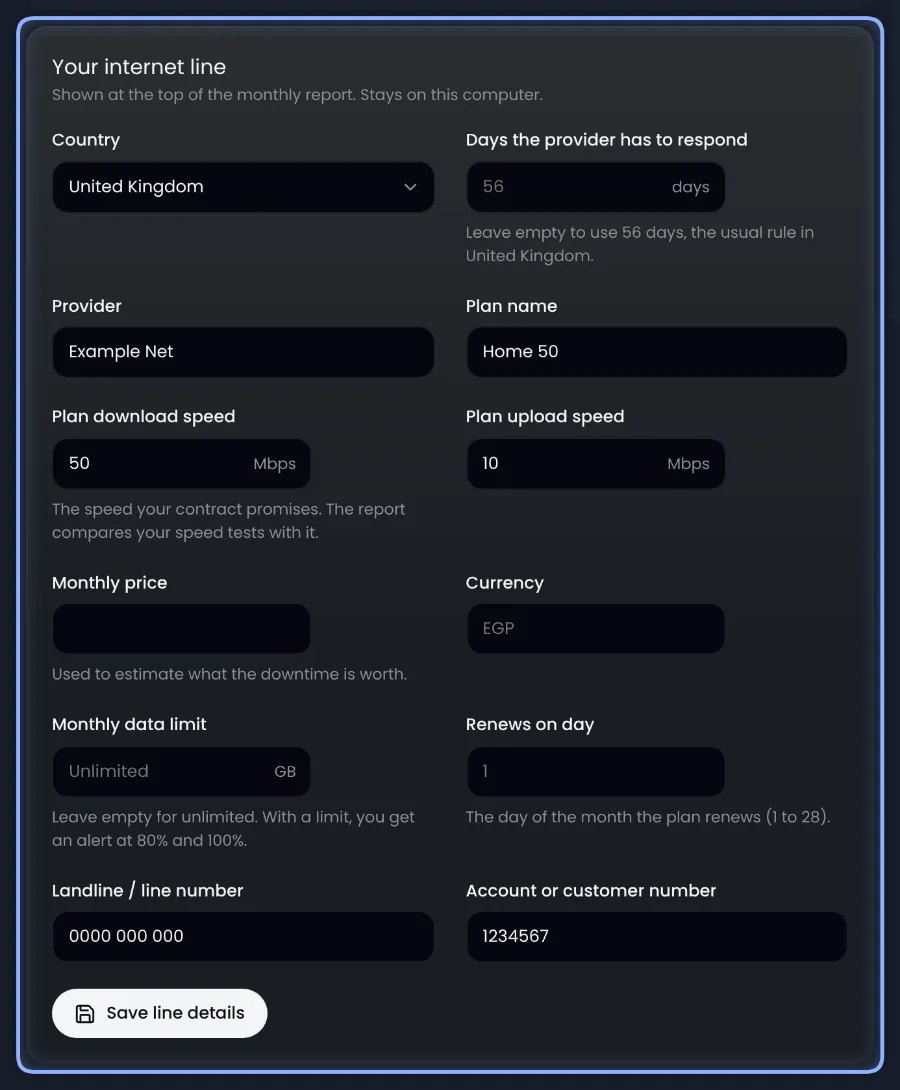
Add your line details
Open Complaints and fill in your company and plan. They stay on your computer.
-
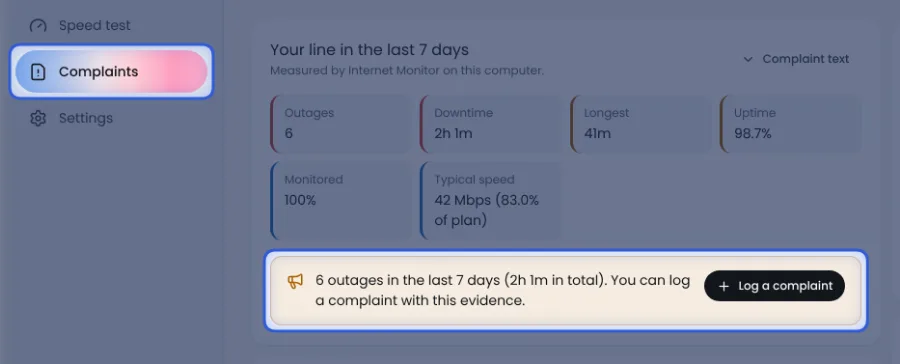
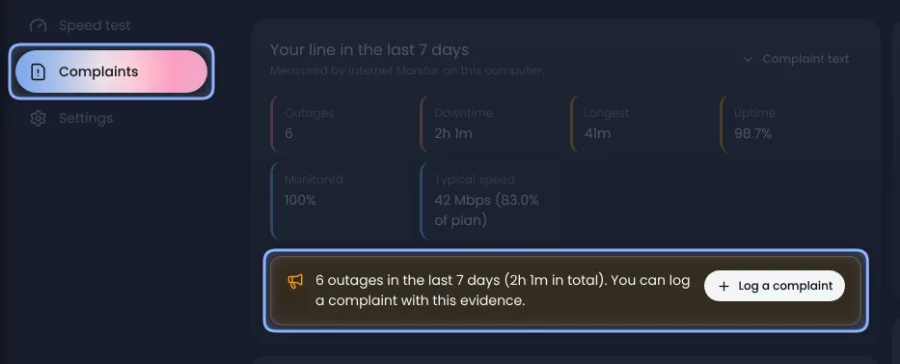
When the internet drops, open Complaints
It lists every drop from the last 7 days.
-
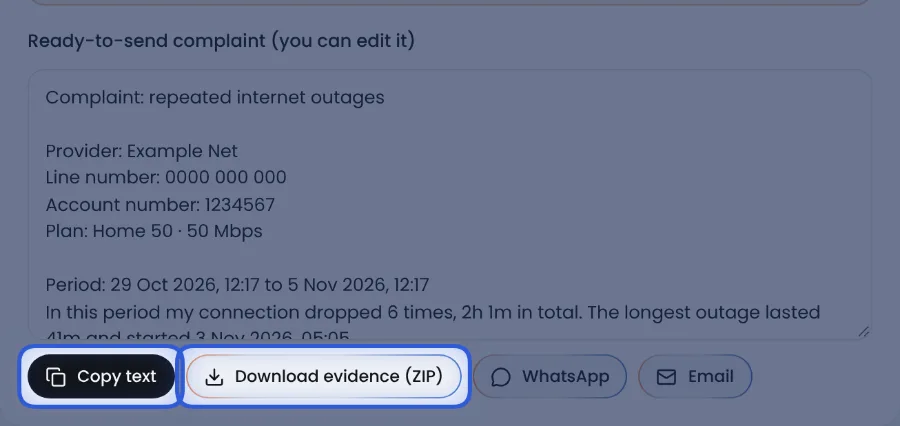
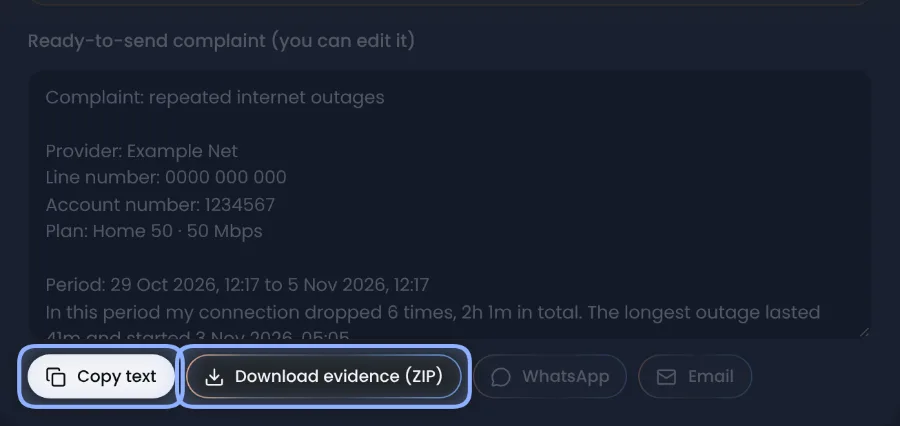
Copy the text and the proof
Press Copy text and Download evidence (ZIP), then send both to your provider.
Want it to run all day on a Raspberry Pi? See the Advanced section on the download page.Advanced: Raspberry Pi